Overview
Human voice, shaped
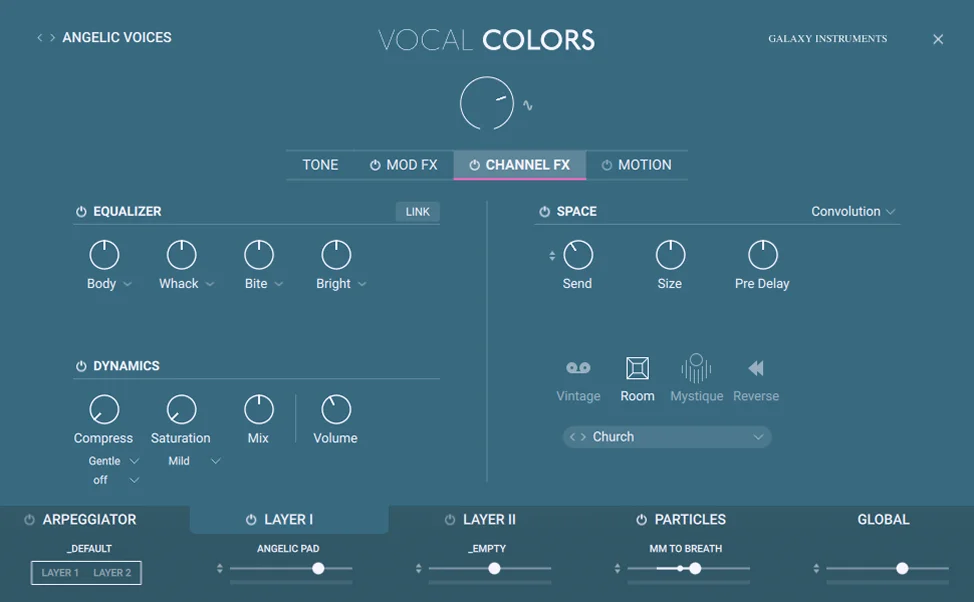
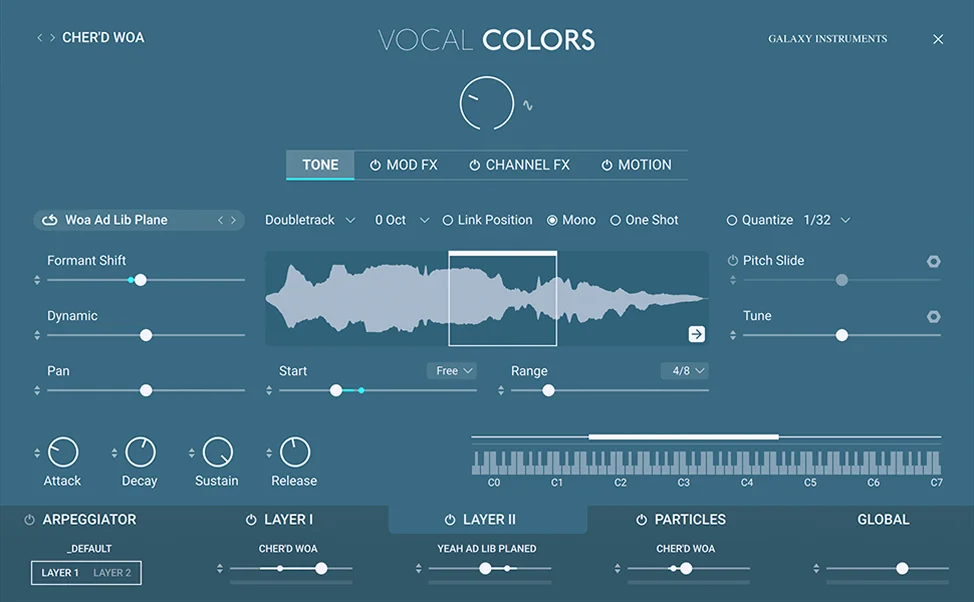
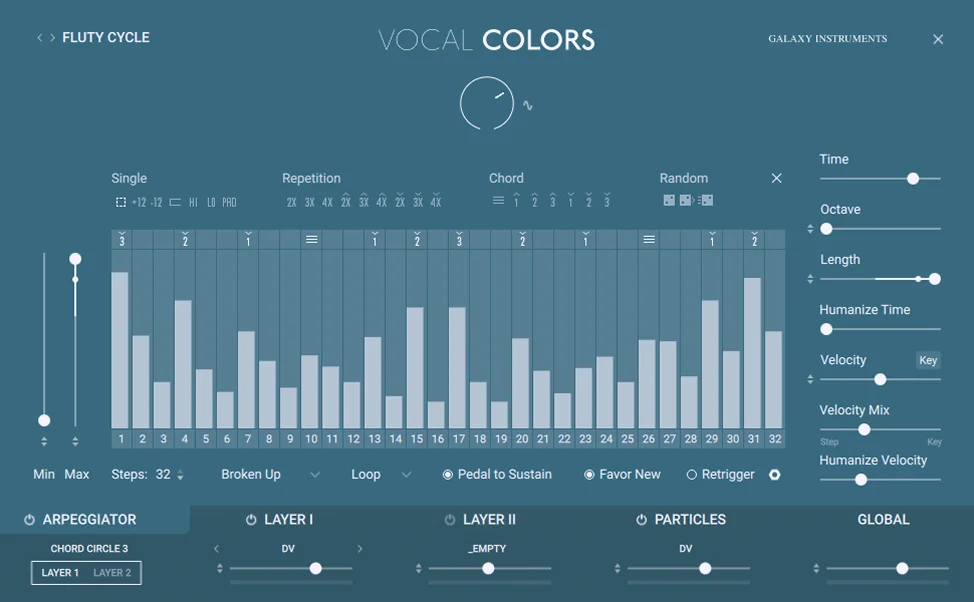
Vocal Colors is a virtual instrument by Native Instruments. It blends organic vocal samples with synthesis-style modulation so producers can shape and layer human voices into pads, textures, and rhythmic pulses. The UI is how musicians sculpt sound: layering voices, dialing modulation, building effects chains.
Challenge
A new design system
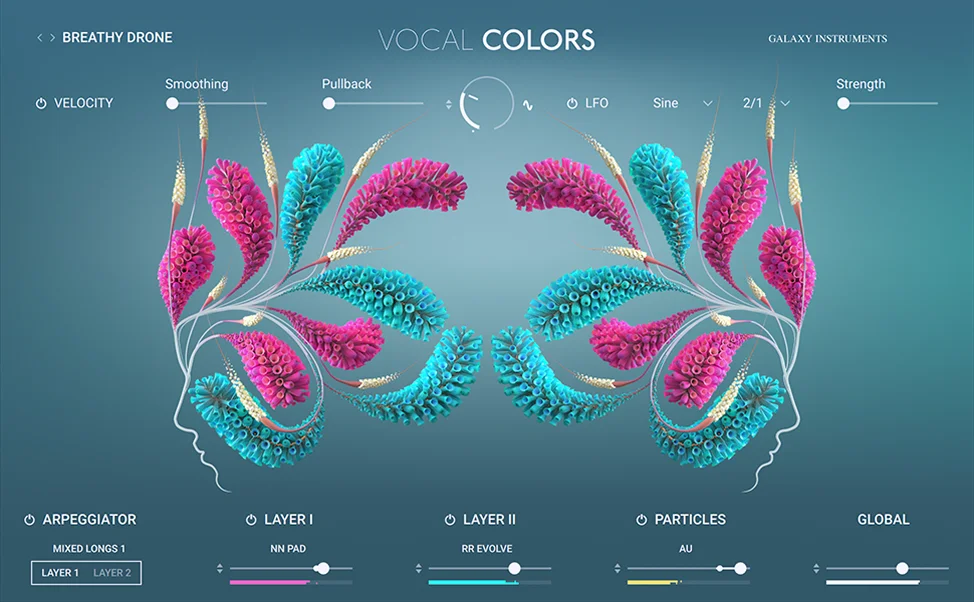
The art direction called for an abstract visual language: a bloom-and-breathing motif to evoke vocal movement, with plant forms arranged into subtle face shapes in the background. Getting that concept into a functional, shippable UI took real design judgment. It had to be evocative enough to hold the concept without breaking the interface.
Vocal Colors was also the first product to use Native UI, NI's new internal design system, meaning the system's existing components didn't yet cover everything the instrument needed.
Approach
Extend without breaking
Working closely with Galaxy Instruments' audio engineer and developer, I took their mockups and developed the final UI design, refining the art direction without losing the concept. Where Native UI fell short, I designed custom components that extended the system without breaking from it, so future products wouldn't have to solve the same problems from scratch.
Result
The first validated patterns
Vocal Colors shipped as the first product built on Native UI, and those custom components became part of the system going forward. The bloom motif, the layered organic forms: the visual identity lands before a note is played.
View live site ↗